Guest photo gallery ideas for venues with recurring events
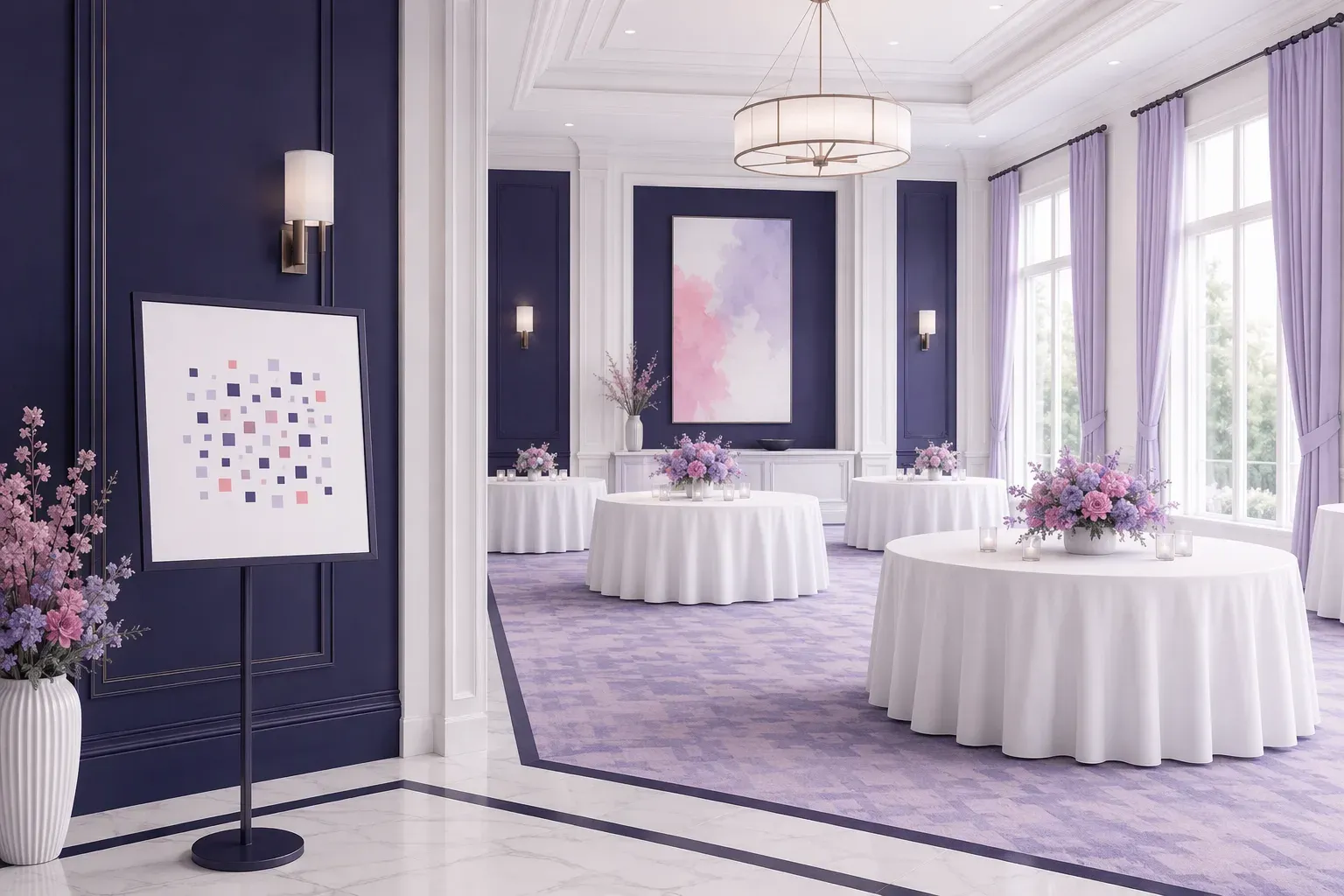
If your venue hosts weddings, birthdays, corporate nights or community events week after week, your guests are already taking photos in your space. A guest photo gallery gives those photos somewhere to go, and gives each host something to keep.
This article covers practical ideas for venues, and how to run them without adding work to your team.
Guest photo gallery for venues: why recurring events change the question
A one-off host needs a gallery once. A venue needs something repeatable: the same simple process, event after event, that looks right in your space. That means:
- A flow your staff can explain in one sentence
- Guests who don't need an app or an account
- A gallery that carries the host's event details, and where it suits you, your venue's branding
- A tested QR code before each event starts
When the process is the same every time, new staff can pick it up quickly, and hosts hear the same clear explanation whether they're planning a wedding or a leaving party.
Ideas that work in a venue
1. Put a QR sign in the room itself
A permanent or event-specific sign at the entrance, bar or tables tells guests where to share photos. Using the same position every time makes it familiar for your team, and easy to set up before doors open.
2. Offer it as part of your event information
Mention the gallery in your event packs or planning conversations, so hosts can decide early. Say what it is plainly: guests scan a code, upload from their phone, and the host keeps the gallery.
3. Match the gallery to the event
A wedding, a retirement party and a company evening all want a different tone. A branded gallery lets the title, names and look fit the occasion, so a host's gallery feels like theirs rather than a generic album.
4. Use a live display where you have a screen
If your room has a screen, a display link can show uploads during the event. Check this with your team beforehand, since it depends on your equipment and the host's wishes.
5. Give print-ready QR cards
Table cards and small signs carry the code to where guests are sitting. A QR card artwork pack is available from ShareThisMemory for $49.
6. Keep a standard test routine
Before doors open, someone scans the code on a phone and uploads a test photo. It takes a minute, and it's the habit that matters most.
How the flow works
- A gallery is built for the event, with its own link and QR code.
- The code is placed on cards, signs or a screen.
- Guests scan with their phone camera. No app, no sign-up.
- They upload photos, videos or audio.
- The host revisits and keeps the gallery afterwards.
What ShareThisMemory does for you
You don't have to configure it. For an Assisted Event, our team builds the gallery and QR code and tests them in 24 to 48 hours. A single event starts from $39, with a rush build under 24 hours and an extra 12 months online from $29. For venues with a regular calendar, we're happy to talk about how a repeatable set-up could suit your events.
We don't promise how many guests will upload, or any change to your bookings. What we do is make the process clear and tested, so your team isn't troubleshooting on the night.
A starting checklist for venue teams
- Pick one spot for the QR sign that you'll use every time
- Write one sentence your staff can say about it
- Decide who tests the code before doors open
- Ask the host whether they'd like a live display
- Tell hosts how long their gallery stays online
Want to see how it works for your events? Visit ShareThisMemory or write to sharethismemory@brainer.one.